





|
A “Portal” is a doorway, gate, or other entrance. You’re likely to find a portal in a castle, in a cathedral, or even on an internet site. Portal can be used to describe other types of doorways, both literal and metaphorical. For example, portal can refer to a web page that provides access to other sites on the web. If you enjoy reading science fiction or fantasy, you may be familiar with the use of the word portal to mean “a doorway to another world.” The wardrobe in C.S. Lewis’s The Lion, the Witch, and the Wardrobe functions as a portal to the land of Narnia. Employee Portal is not a standalone application; it requires at least one other of our business information management applications. It provides employees access to some of the functionality of some of those other business information management applications. May be not all you employees need access to the business process(es) functionality of these applications, but need the ability to record their timesheets and lodge expenses claims or other such tasks. Employee Portal provides this functionality. Version 2.0 now allows employees to view the shift plans. It provides details of the employee’s remuneration package. It allows the employee to record their input into their performance appraisal reviews, including the generation of training plans. It allows employees to view rewards that they’ve been nominated for. It allows employees to report hazards and incidents and supports any return to work plans impacting them. It allows employees to view events that they are involved or required. So what does Employee Portal do? |
|
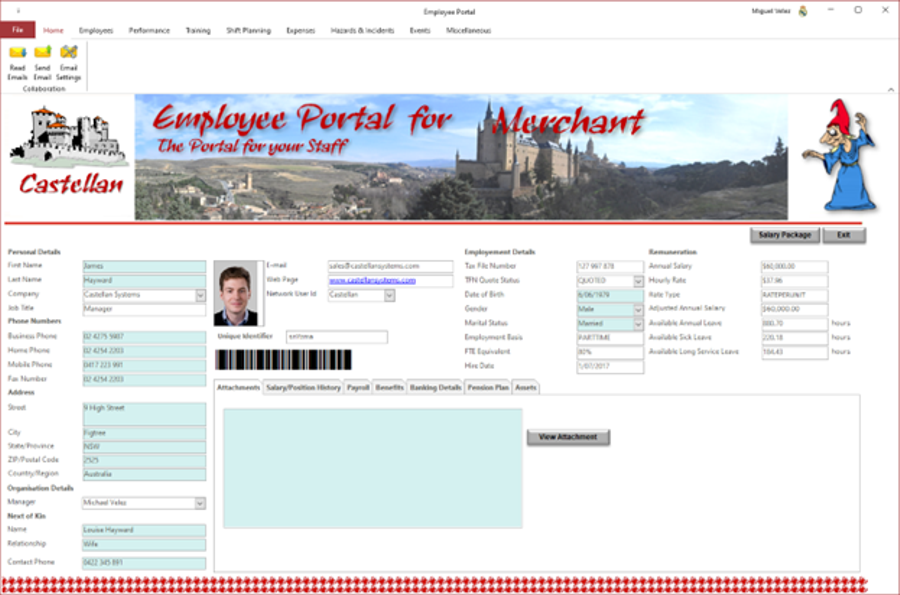 |
Employee Portal allows an employee to view their employee record, including:
|
|
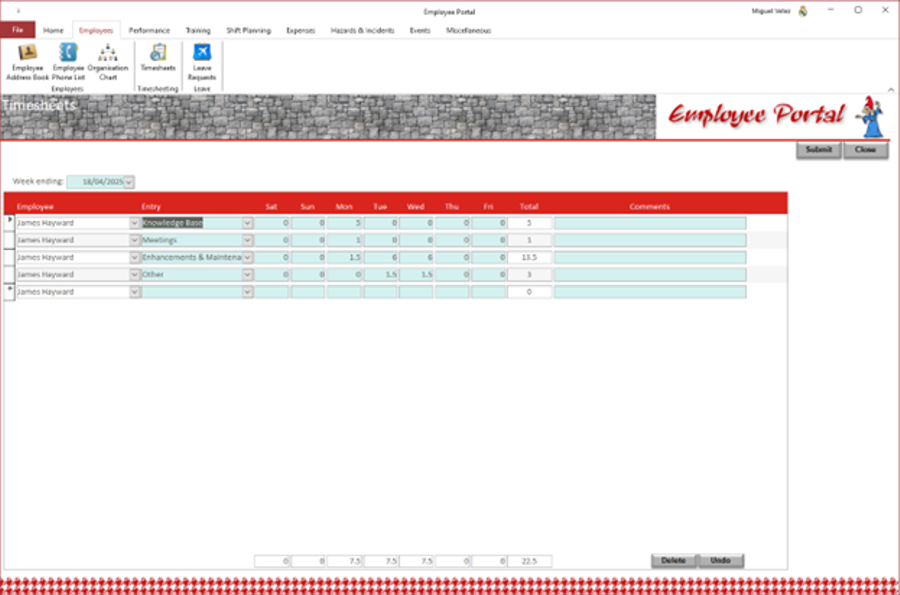
Employee Portal allows employees to record an employee's timesheet and it can be submitted for review and approval by their manager. |
 |
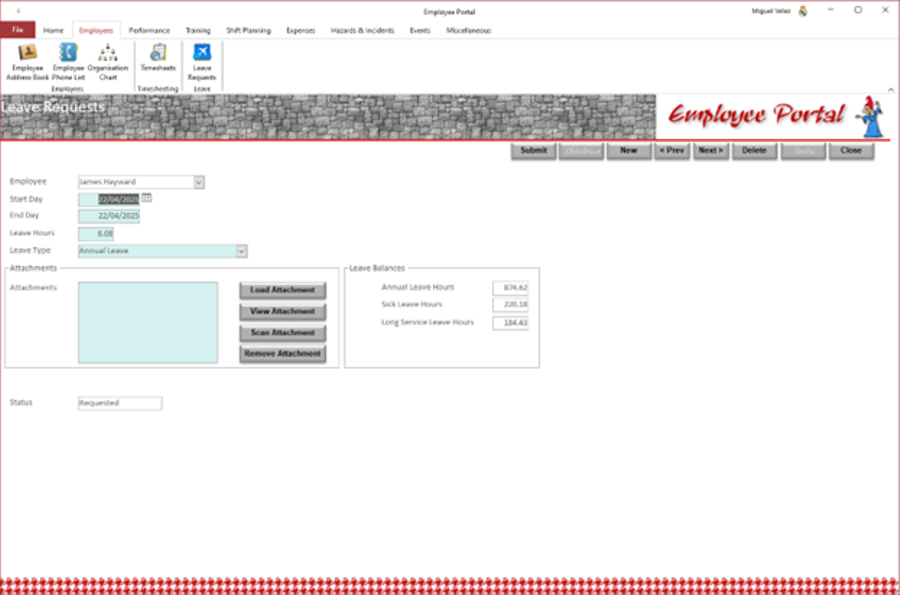 |
Employee Portal allows employees to submit request for leave. The can attach documents to support the request; these documents could be scanned through a TWAIN compliant scanner. Once the request form has been completed, it can be submitted for review and approval by their manager. |
|
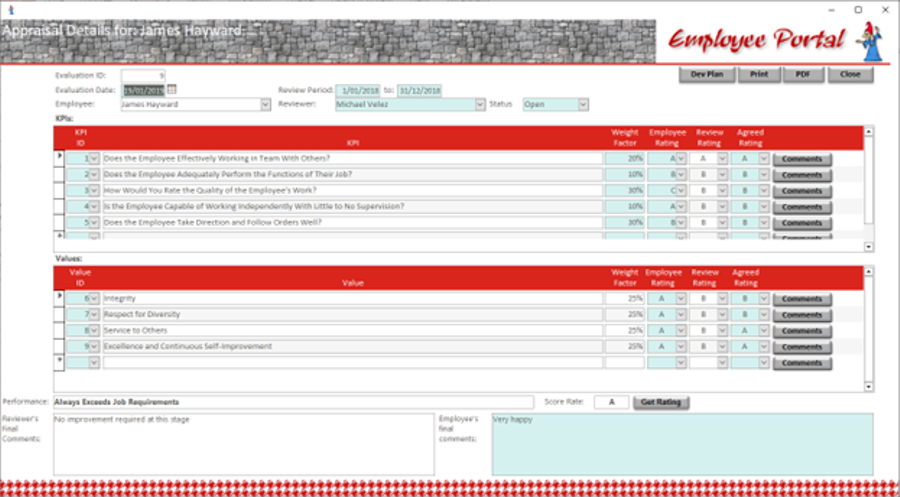
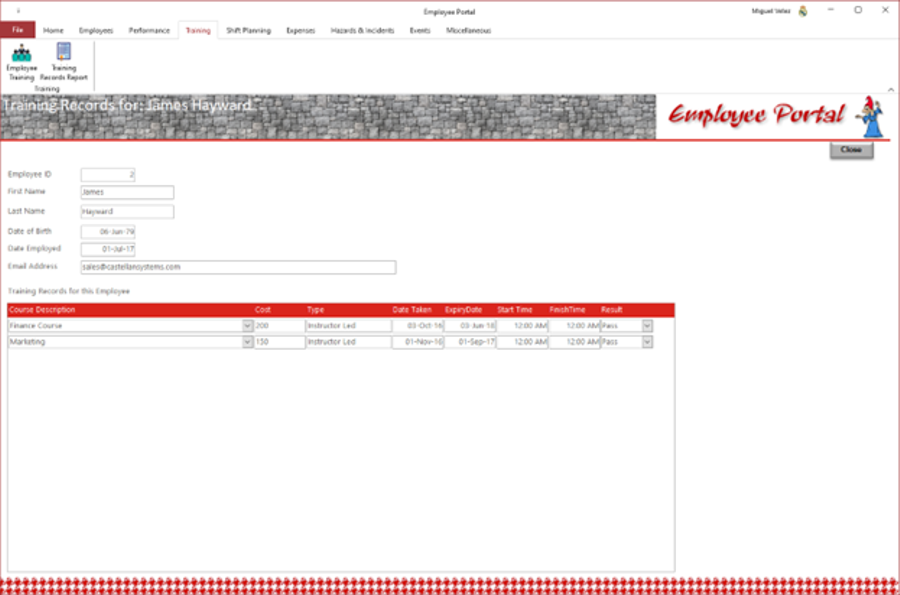
The employee's manager, in conjunction with the employee, can generate development plans to address concerns identified during the performance appraisal review or to support further development of the employee. This development plan can include internal and/or external courses. |
 |
 |
|
|
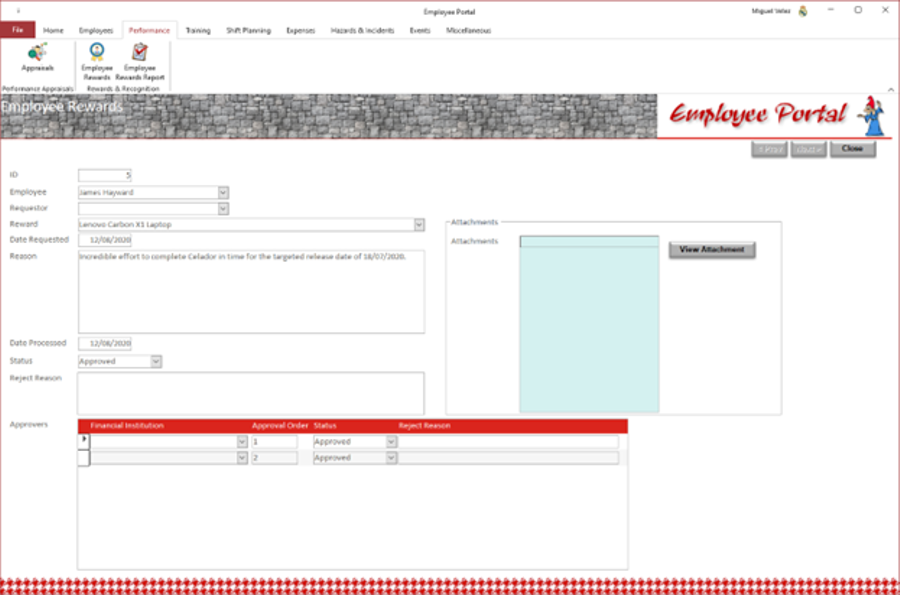
Managers can raise requests for rewards for their employees under a rewards programme. Different type of reward can be defined; managers can attach supporting documentation to these requests. These request can then be submitted to an approval panel which can then review and approve/reject the requests.
|
 |
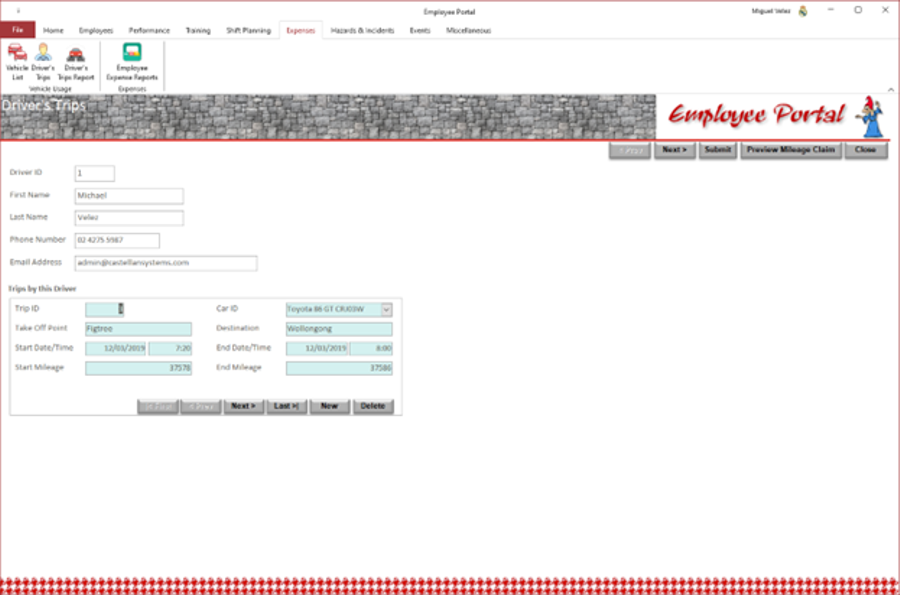 |
Employee Portal can record trips undertaken by employees, in either their own vehicles or vehicles provided, for business purposes and then process refunding of costs to staff. These request are then submitted for review and approval by their manager. |
|
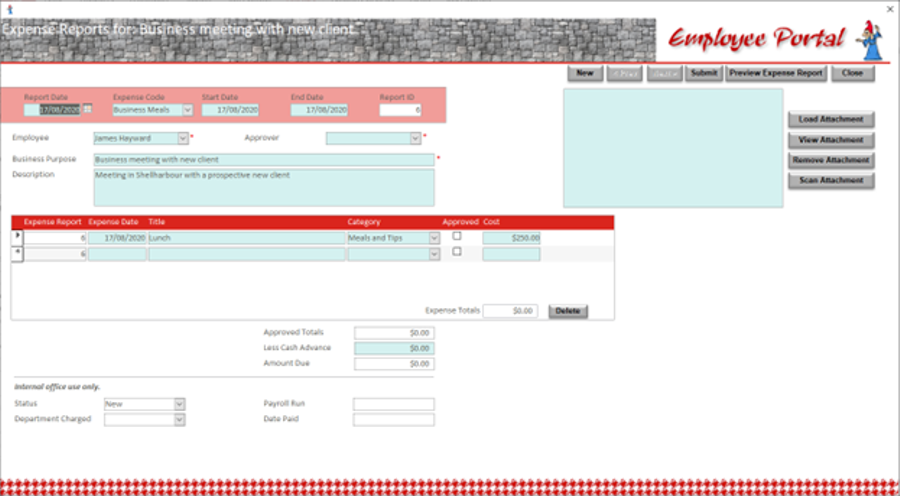
Employee Portal allows staff to make claims for refunds of working expenses. These claims can take one of two forms: mileage claims for travel or cash expenses; for cash expenses the staff member can attach supporting documentation, including receipts and invoices. Employee Portal supports the scanning of these attachment through a TWAIN compliant scanner. The staff member submits the claim and it's then sent to their manager for review and approval. It provides multiple reports to support monitoring and managing of these claims. |
 |
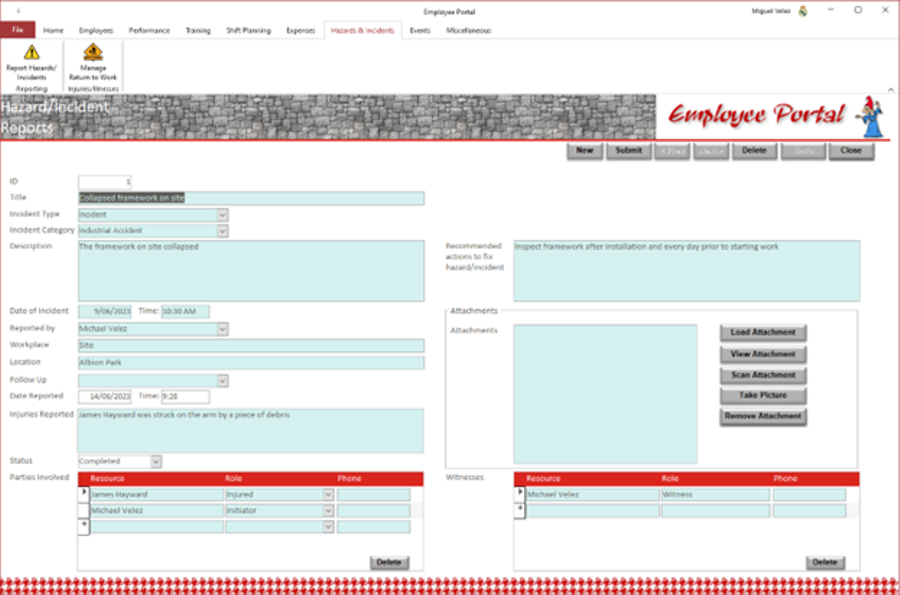 |
For incidents, any injuries are added to the Injuries/Illnesses Register, which can then be used to manage them. |
|
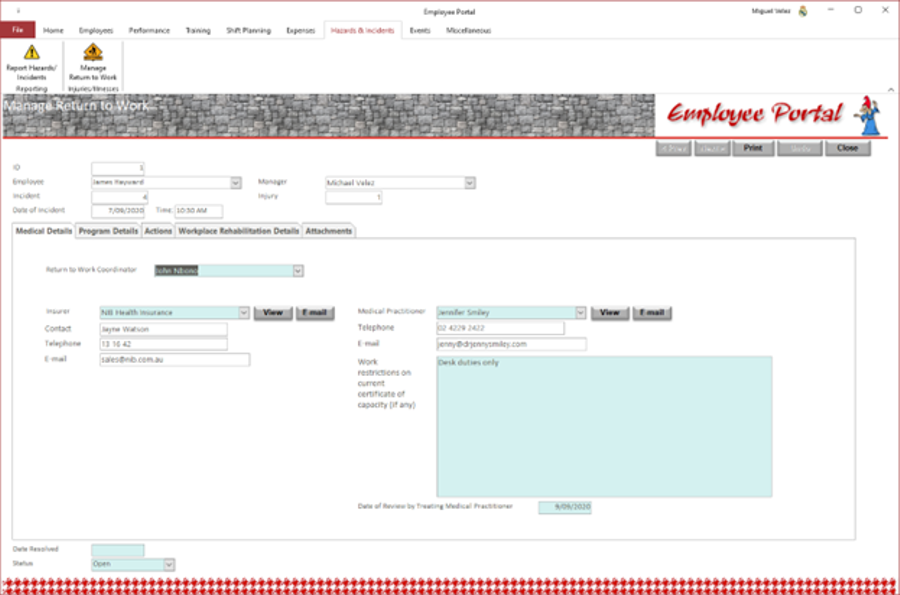
If the staff member required to be off work for a period, a return to work plan can be requested. |
 |
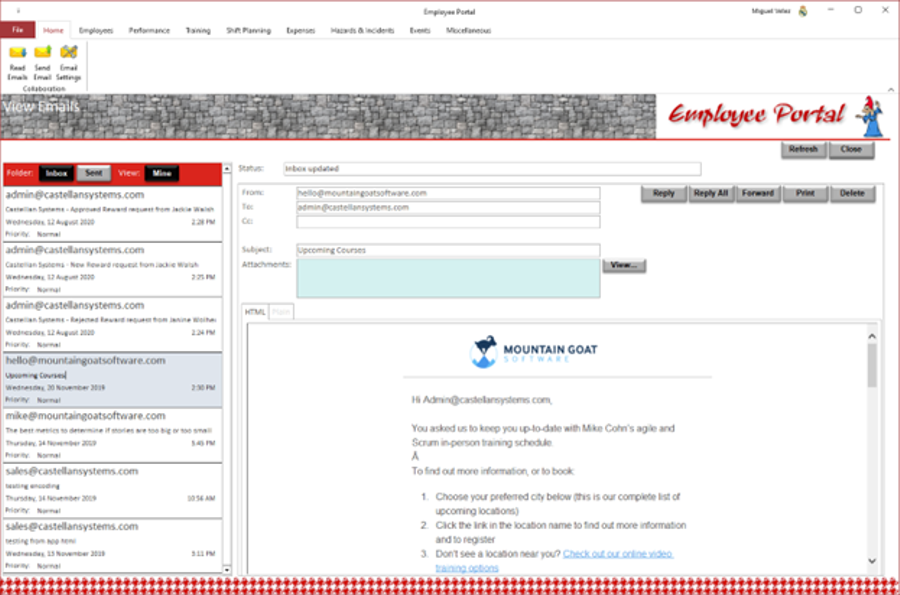 |
Employee Portal provides inbuilt Emailing facilities. Emails can be imported from your Email Server without the need for an Email client like Microsoft Outlook. These Emails are then stored within the database along with any attached documents. Emails can be printed. |
|
Employee Portal can also send Emails through your Email Server without the need for an Email client like Microsoft Outlook. These Emails are then stored within the database. |
 |
|
Employee Portal is a free application that can be distributed to all users freely. Please Note: You only have to purchase a license for one of our existing business management applications. You can then distribute the Employee Portal application to all other staff members and allows then to perform the functions that they require like requesting leave, making expenses refund claims, etc. |
|
 View and print their salary package letter.
